IR Cameras and Night Vision vs. Face Anonymization Effectiveness: What You Need to Know

Mateusz Zimoch
Published: 7/6/2026

TL;DR: Automated face detection works well in daylight, but its performance can drop noticeably in footage from IR cameras and night vision mode because of sensor noise, overexposure from IR illuminators, side-profile faces, or aggressive compression. That is why night-time footage needs a two-step review: automated detection followed by manual verification. Gallio PRO automatically blurs faces and license plates, while any remaining elements can be corrected manually in the built-in editor - locally and without storing logs.

Visual data anonymization reduces the possibility of identifying people and vehicles in photos and videos through face blurring and license plate blurring - most often by obscuring faces and plates before publication. With infrared camera footage and night vision recordings, however, face anonymization effectiveness depends not only on the algorithm, but also on image quality, IR illuminator wavelength, scene contrast, camera settings, and compression. For marketing, PR, compliance, security teams, and CCTV operators, this means one thing: not every automated face detection process in night vision footage provides the same level of confidence.

Why is IR camera footage harder for AI face detection models?

AI face detection models are usually trained primarily on visible-light images, such as standard photos and daytime video recordings. Night vision mode changes the baseline: an IR camera often switches to a monochrome image with a different contrast distribution, different skin texture, and no color information. To a human viewer, the face may still be recognizable, but for a detection model, some facial features become less stable.

The drop in performance is usually caused by several factors combined: a nearby IR illuminator overexposing the face, deep shadows from a side-mounted camera, reflections from glasses, sensor noise in low light, aggressive compression of night-time footage, and motion blur. If the camera also switches between day and night modes, the frame may change focus and contrast exactly when a face appears in the scene.

So the answer to the question “Can AI models detect faces in infrared camera footage?” is: yes, but performance is highly context-dependent. With a good angle, suitable distance, and proper IR lighting, detection can be useful; with low contrast, a partial profile, or a small face in the frame, accuracy may drop significantly.

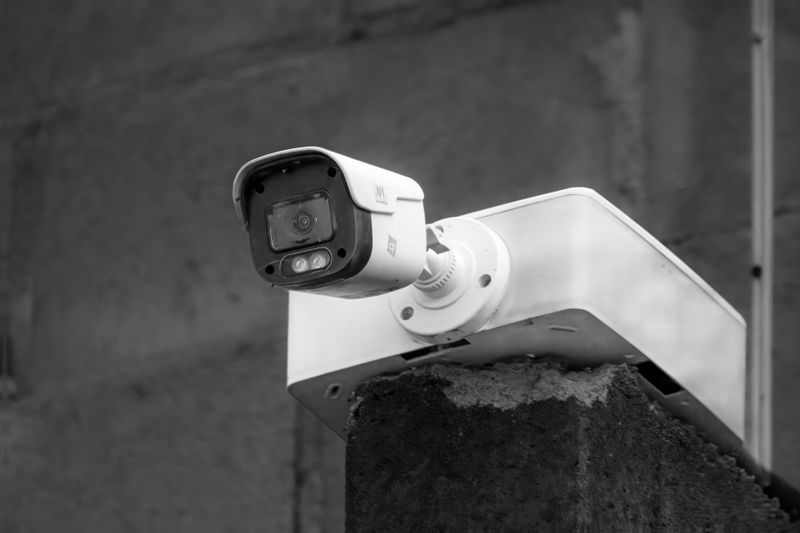
A black and white image of a security camera mounted on a concrete wall against a blurred background.

How night vision affects face blurring in content prepared for publication

The biggest operational mistake is assuming that the same workflow will work equally well for daytime photos, night-time surveillance footage, and parking lot recordings. It will not. Night vision directly affects detection quality, and therefore the safety of publishing the material.

It is worth separating two stages. The first is object detection - finding the face. The second is the actual face blurring. If the model does not detect the face or detects it too late, the blur will not cover every frame. This is exactly why night-time footage requires stricter quality control than daytime video.

For organizations that publish visual materials regularly, it makes sense to use a tool that supports automated face and license plate detection while also making manual corrections easy. This is how Gallio PRO works - on-premise software for visual data anonymization, designed for processing saved photos and video files. Gallio PRO’s automated detection covers only faces and license plates, not other elements in the frame, such as logos, tattoos, name badges, documents, or content displayed on computer screens.

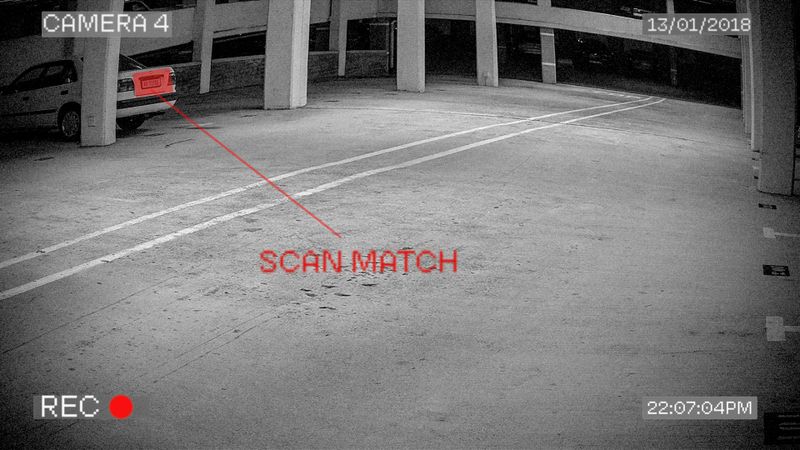
Black and white surveillance footage showing a parking garage with a car in the distance. Text "SCAN MATCH" is highlighted near the car.

When does night vision reduce the accuracy of automated face detection?

Most problems occur in six common situations: (1) the face occupies only a small part of the frame; (2) the person is moving quickly and the footage has a low bitrate; (3) the IR illuminator creates a bright spot on the forehead, cheeks, or nose; (4) the face is turned sideways or partly covered by a hood, mask, or hair; (5) the camera is mounted too high and captures mainly the top of the head; (6) the CCTV system produces an image that is heavily noisy or oversharpened.

In each of these cases, the model may miss the face, mark it inaccurately, or detect it inconsistently between frames. This does not mean automation is pointless. It means that publishing without manual review is risky when the source is night vision footage or a low-quality IR camera.

Situation in the footage

Impact on face detection

Recommended practice


Good IR lighting, frontal face, little movement

Usually good or acceptable performance

Automated detection + final review

Strong IR reflections from glasses or skin

Reduced detection stability

Manual verification of problematic frames

Profile face or partially covered face

Frequent missed detections

Manual corrections in the Gallio PRO editor

Low bitrate and strong night-time compression

Loss of detail and frame-to-frame errors

Review full sequences, not only random frames

Small face in the background

Detection depends heavily on context

Assess identification risk and make a manual publication decision

  1. Import the material into Gallio PRO. Upload a saved photo or video recording. Gallio PRO works on files, not on live streams and not in real time.
  2. Run automated face and license plate detection. Gallio PRO automatically blurs faces and license plates and tracks them between frames - these are the only two elements detected automatically.
  3. Review risky night-time sequences frame by frame. Focus on frames with distant people, building entrances, and high-contrast IR scenes where detection may be unstable.
  4. Apply manual corrections in the built-in Gallio PRO editor wherever the algorithm did not cover a face or license plate - and also to elements that Gallio PRO does not detect automatically, such as documents, screens, name plates, tattoos, or logos.
  5. Export the material only after the final review. Gallio PRO does not store detection logs or personal data.

If this workflow matches your publishing process, you can download the free demo and test night vision face anonymization on your own files.

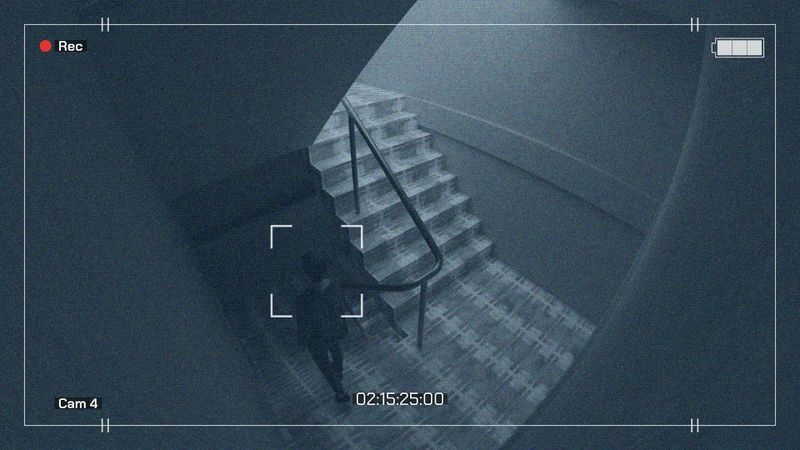
Surveillance camera view of a person walking up a staircase in a dimly lit environment. Time stamp shows 02:15:25:00.

When is manual verification essential?

With IR images, manual verification is often a necessary step, not a perfectionist add-on. This is especially true for outdoor footage from parking lots, access roads, storage yards, building entrances, and unevenly lit areas. If the material is intended for the web, social media, PR communication, or case study content, organizations often adopt a double-check rule: first automated detection, then manual review.

This is also important because Gallio PRO does not blur entire body silhouettes, does not perform real-time anonymization, and does not anonymize live video streams. It automatically blurs only faces and license plates, while other identifiable elements must be corrected manually in the built-in editor. This architecture is technically honest: it does not promise full automation where the source material is ambiguous.

What does this mean for compliance when publishing photos and videos?

A person’s image in a photo or recording may constitute personal data if it allows that person to be identified directly or indirectly. When publishing visual material, organizations analyze not only data protection rules, but also personality rights and rules on the dissemination of a person’s image [1][2][3]. In compliance practice, what matters is not whether the model detected a face, but whether the published material still enables identification.

For faces, there is no general statutory “obligation to anonymize” every piece of material before publication. The assessment depends on the legal basis for processing, the purpose of publication, and regulations protecting image rights and personality rights - primarily the GDPR, the Civil Code, and copyright and related rights law. Copyright law provides exceptions to the requirement to obtain permission to disseminate a person’s image, in particular when:

  • the person is widely known and the image was captured in connection with their public, social, or professional functions,
  • the person is only a detail of a larger whole, such as a gathering, landscape, or public event,
  • the person received agreed payment for posing and did not reserve otherwise.

For license plates, the approach remains contextual. Neither the GDPR nor the EDPB establishes a rule that every license plate is always personal data or must always be blurred before publication. The assessment depends on whether, in the specific circumstances, the plate enables identification of a natural person. In Poland, practice and case law are not fully consistent, which is why teams publishing visual materials often treat license plate blurring as a precautionary best practice where the vehicle or context could lead to the identification of its owner or user.

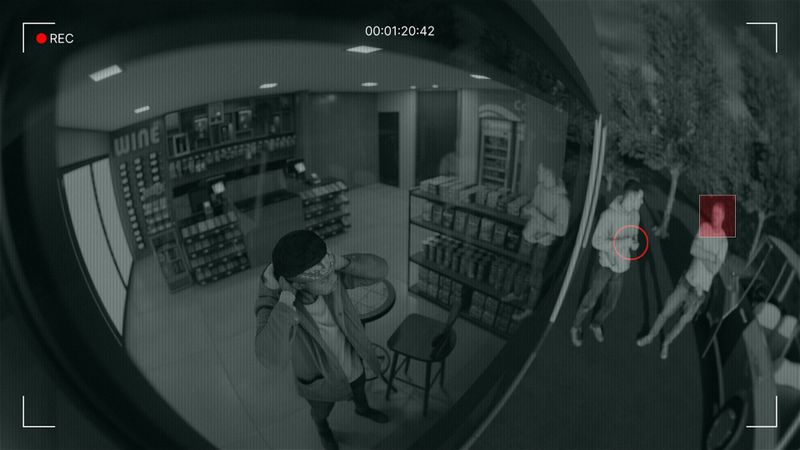
Security camera footage showing a person inside a store holding a phone, with two people and a highlighted figure outside.

Operational security and on-premise software

For many organizations, where processing takes place is just as important as detection performance. With CCTV recordings - especially from critical infrastructure, the public sector, or industrial facilities - on-premise software is often a key requirement. This model reduces the risk of uncontrolled file transfers outside the organization and makes access management easier.

The logging policy also matters. Gallio PRO does not collect logs containing face and license plate detection data, nor logs containing personal data or special category data. For security and compliance teams, this is an important part of tool assessment because it reduces the risk surface around processing metadata. If you are planning an enterprise deployment or have a specific use case involving the publication of night camera footage, it is worth getting in touch to discuss the deployment architecture and manual review procedure.

How can you assess whether automated IR detection is good enough?

The best approach is not a marketing claim about accuracy, but a test on your own material. Prepare a sample that includes daylight, dusk, full night, rain or snow, pedestrian movement, and vehicle traffic, then compare the number of correctly detected faces with the number of misses. Only this kind of test shows whether the model is stable enough for your type of cameras. If missed detections are frequent at night, the safe conclusion is not to abandon automation, but to introduce mandatory manual verification for specific classes of footage.

Stacked lucky boxes with question marks and winking smiley faces, inscribed with Japanese text, displayed on shelves.

FAQ: IR cameras, night vision, and face anonymization effectiveness

Can AI models detect faces in infrared camera footage?

Yes, but performance depends on source quality. Good camera placement, stable IR lighting, and a sufficiently large face in the frame usually improve results. With heavy noise, profile faces, or IR overexposure, detection accuracy may decrease.

Does night vision always make face blurring worse?

Not always, but it often makes the detection stage harder, and the later blur depends on that stage. If the model detects the face correctly, applying the blur itself is not a problem. The main risk is missed detections and unstable detection between frames.

Can you rely only on automated anonymization for night-time CCTV footage?

It depends on the material. In publishing practice, combining automated detection with manual review is safer, especially for outdoor recordings, parking lots, and low-contrast scenes.

Does Gallio PRO automatically detect every sensitive element in an image?

No. Automated detection covers only faces and license plates. Logos, tattoos, name badges, documents, and content displayed on monitors require manual action in the Gallio PRO editor.

Does Gallio PRO perform real-time anonymization?

No. Gallio PRO does not perform real-time anonymization or live video stream anonymization. It is designed to work with saved photos and video recordings.

Do license plates always have to be blurred before publication?

Not always as a direct legal requirement. The assessment depends on context and on whether the plate in a given piece of material could lead to the identification of a natural person. From a publication-risk perspective, however, license plate blurring often remains the safest option.

Does the absence of detection logs matter for compliance?

Yes, because it limits the amount of information left behind after the anonymization process. Gallio PRO does not store logs containing face and license plate detection data or personal data.

References

This text was prepared by the Gallio PRO team - specialists in data protection and video engineering who develop anonymization software used in security, the public sector, and media. This material is for informational purposes only and does not constitute legal advice.

Publishing footage from night cameras? Test the process on your own files with Gallio PRO.

References list

  1. Regulation (EU) 2016/679 of the European Parliament and of the Council of 27 April 2016 (GDPR).
  2. Act of 23 April 1964 - Civil Code.
  3. Act of 4 February 1994 on Copyright and Related Rights.
  4. European Data Protection Board, Guidelines 3/2019 on processing of personal data through video devices.
  5. Polish Personal Data Protection Office - materials and guidance on personal data processing in video surveillance.